

From your first canvas to your next presentation.
Everything you need to get comfortable, find your flow, and share a story worth following.
2 min readInstallationDownload free presentation software for Mac and Windows, or try the web editor without installing. Set up desktop editing and presenting with local files.Your first presentationGo from a blank canvas to a short presentation in six steps.
A place to think freely.
Start with an infinite canvas. Place text, shapes, and images wherever they make sense. Zoom out to see relationships, or zoom in to work on a detail.
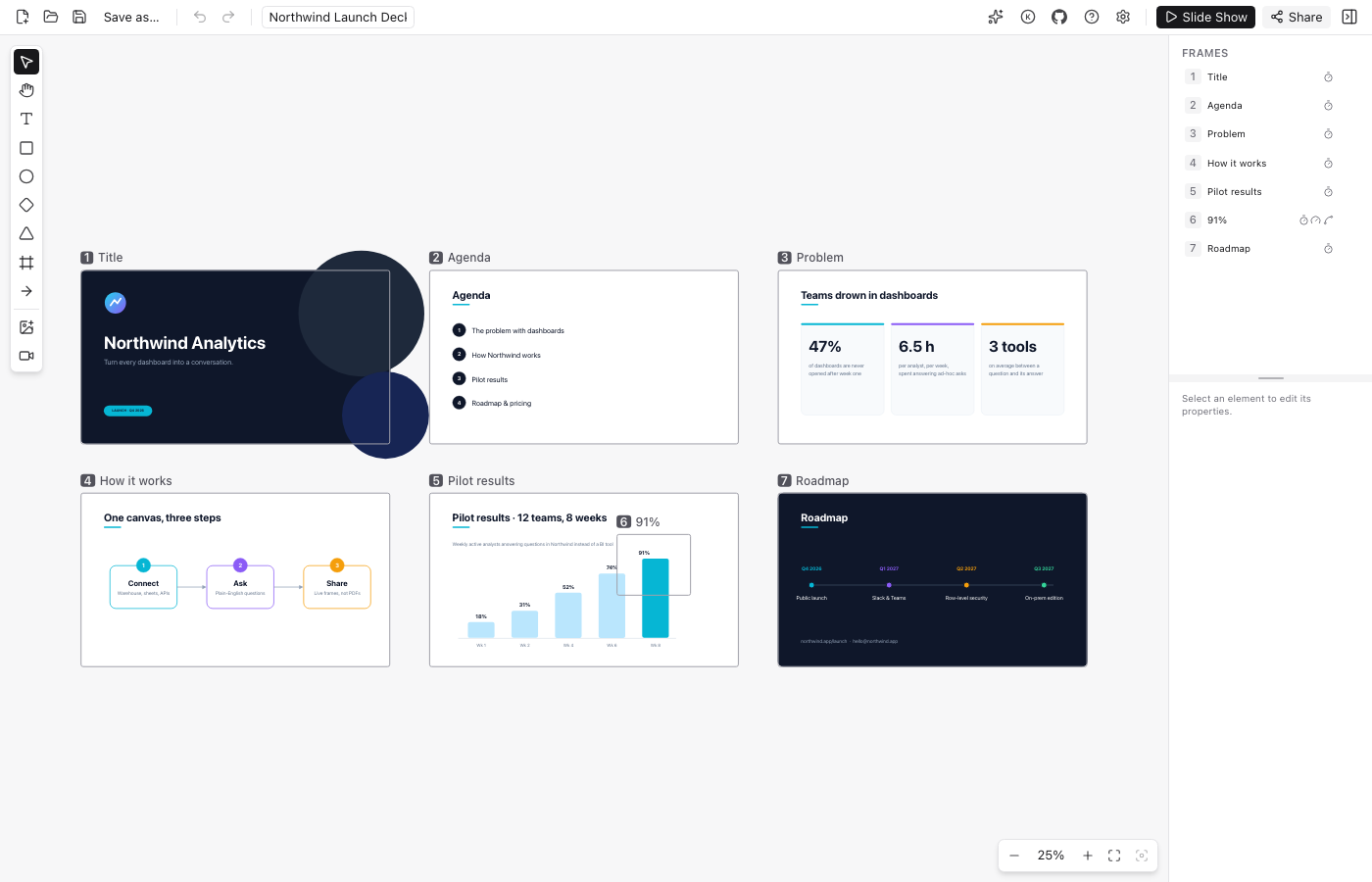
A frame is a moment.
Frames mark the areas you want to present. Arrange them in an order, and the camera travels between them with a continuous zoom and pan. Your canvas stays in place; your perspective moves.
Start with something small.
Three ideas and three frames are enough for your first story. The quick-start guide walks you through it, from an empty canvas to a saved presentation.
Your first presentation