ShowCase

Step inside a presentation. Follow its frames, explore the whole canvas, and edit a copy in your browser. No installation or account needed.

How to explore and save an example

Examples open in a new tab. Choose Slide Show to follow the frames, or edit right away. Download the source for the desktop app. Most examples are in English; the AI-generated introductions are in Korean. Save your edits before closing or reloading.

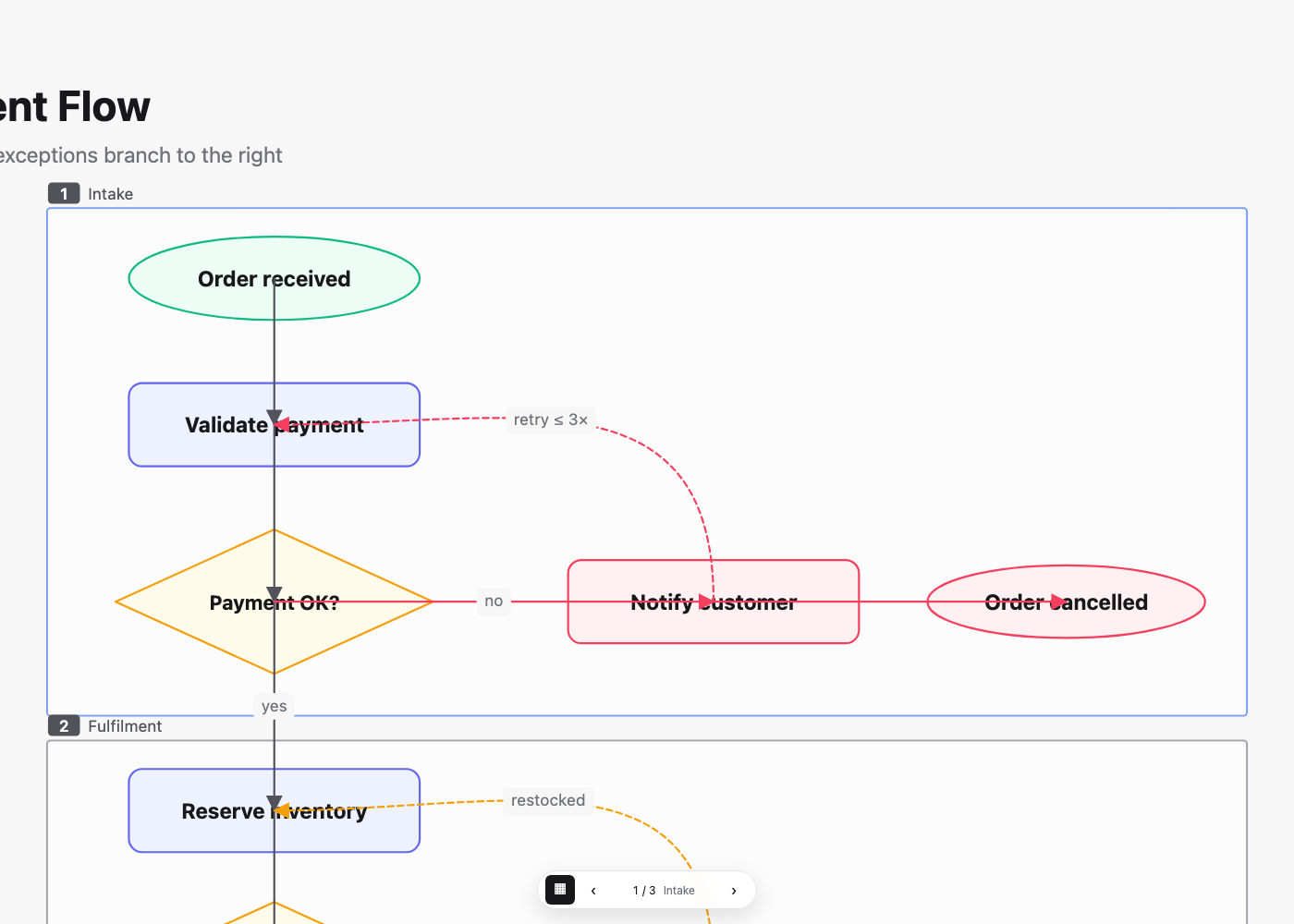
An order fulfillment flowchart with decision branches and retry loops.

Make the process visible.

Decisions, exception branches, and retry loops turn order fulfillment into a connected flow. Inspect three stage frames and editable connectors.

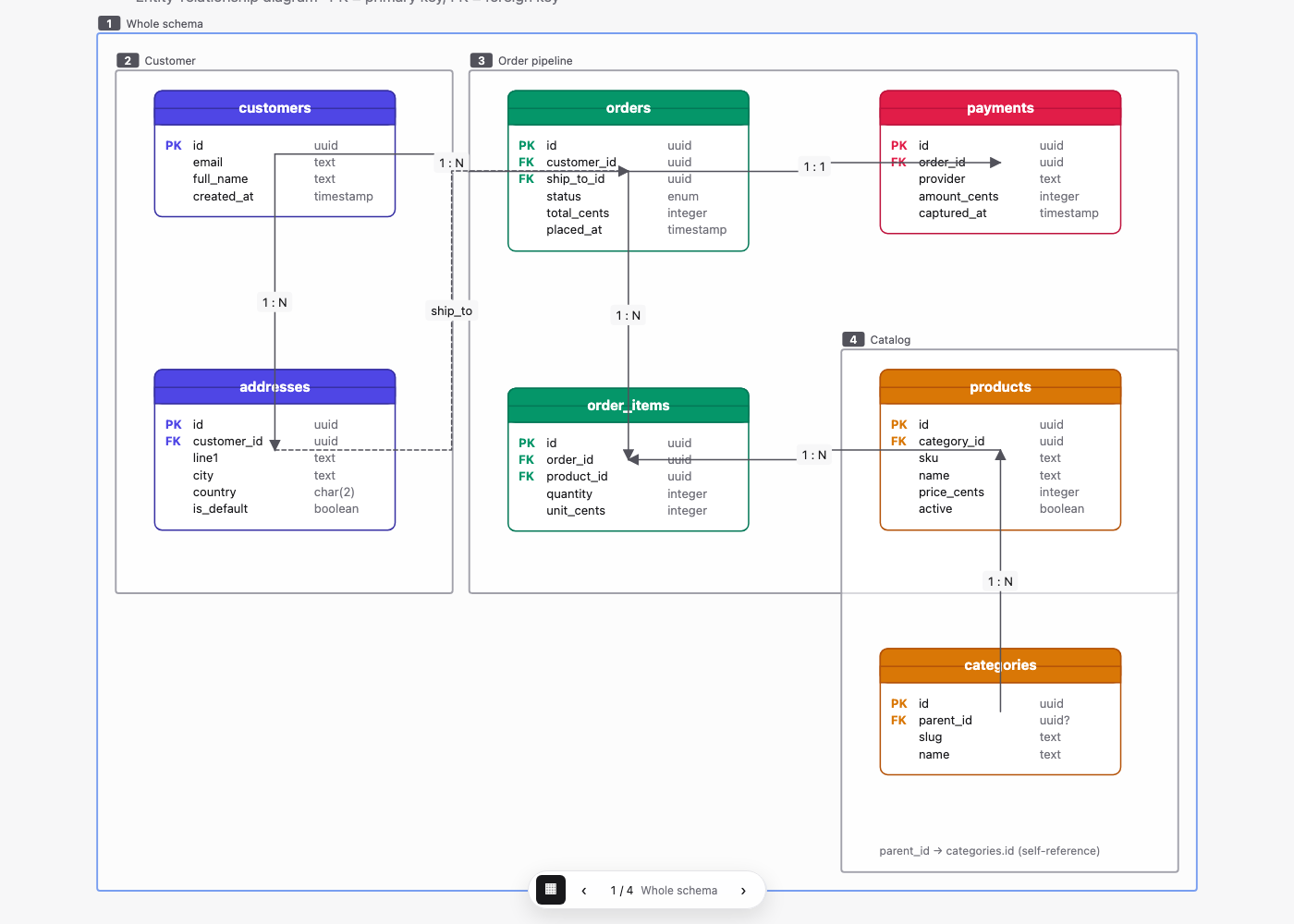
Seven database tables linked in an entity relationship diagram.

See the relationships.

Seven tables, cardinality labels, and four cluster frames explain a shop schema. Move a table to see its attached connectors follow.

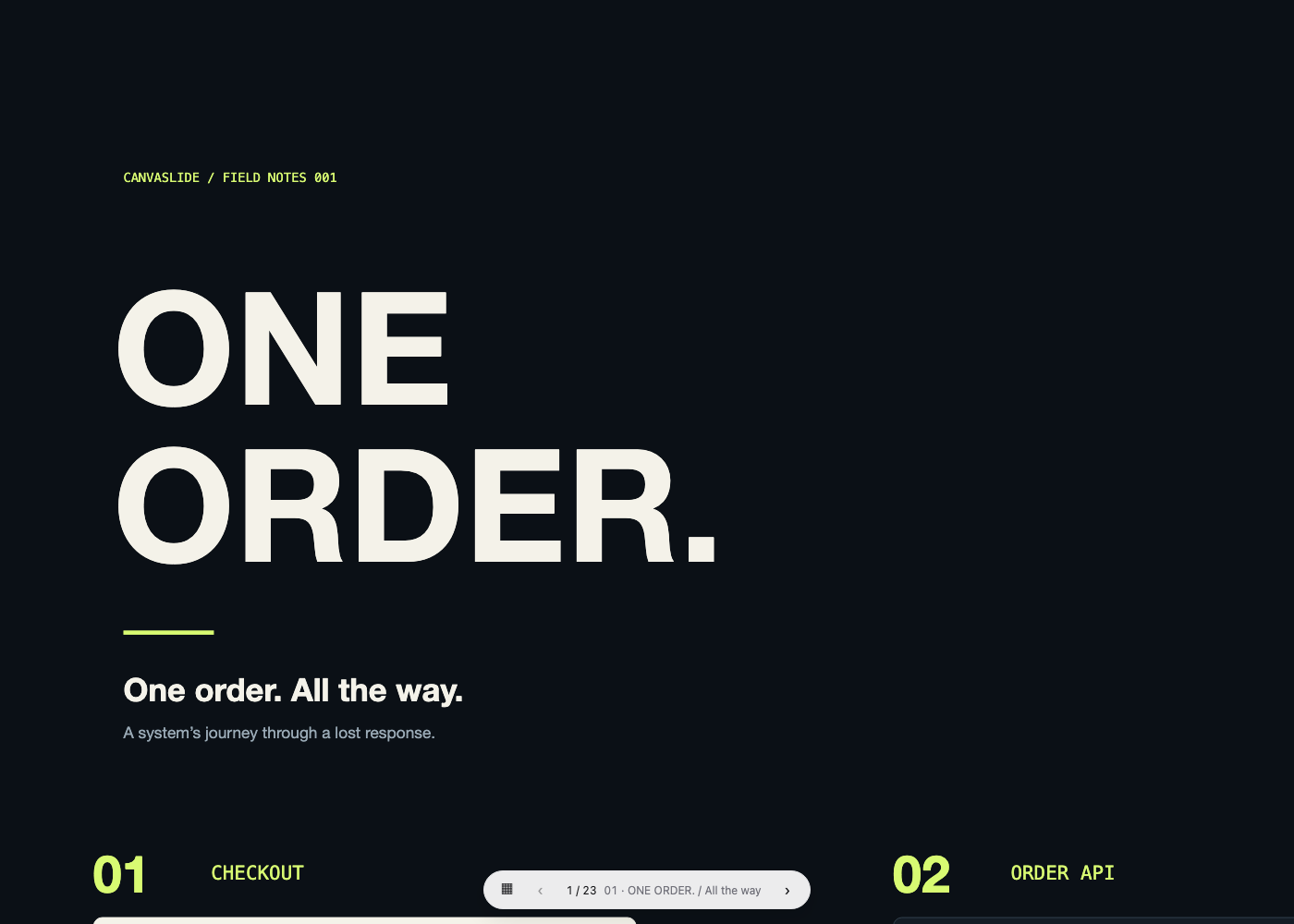
A launch deck with a results chart and roadmap arranged on one canvas.

A launch, with room to zoom.

A familiar launch deck opens into a connected canvas. Seven frames include a process, pilot results, a close-up chart, and a roadmap.

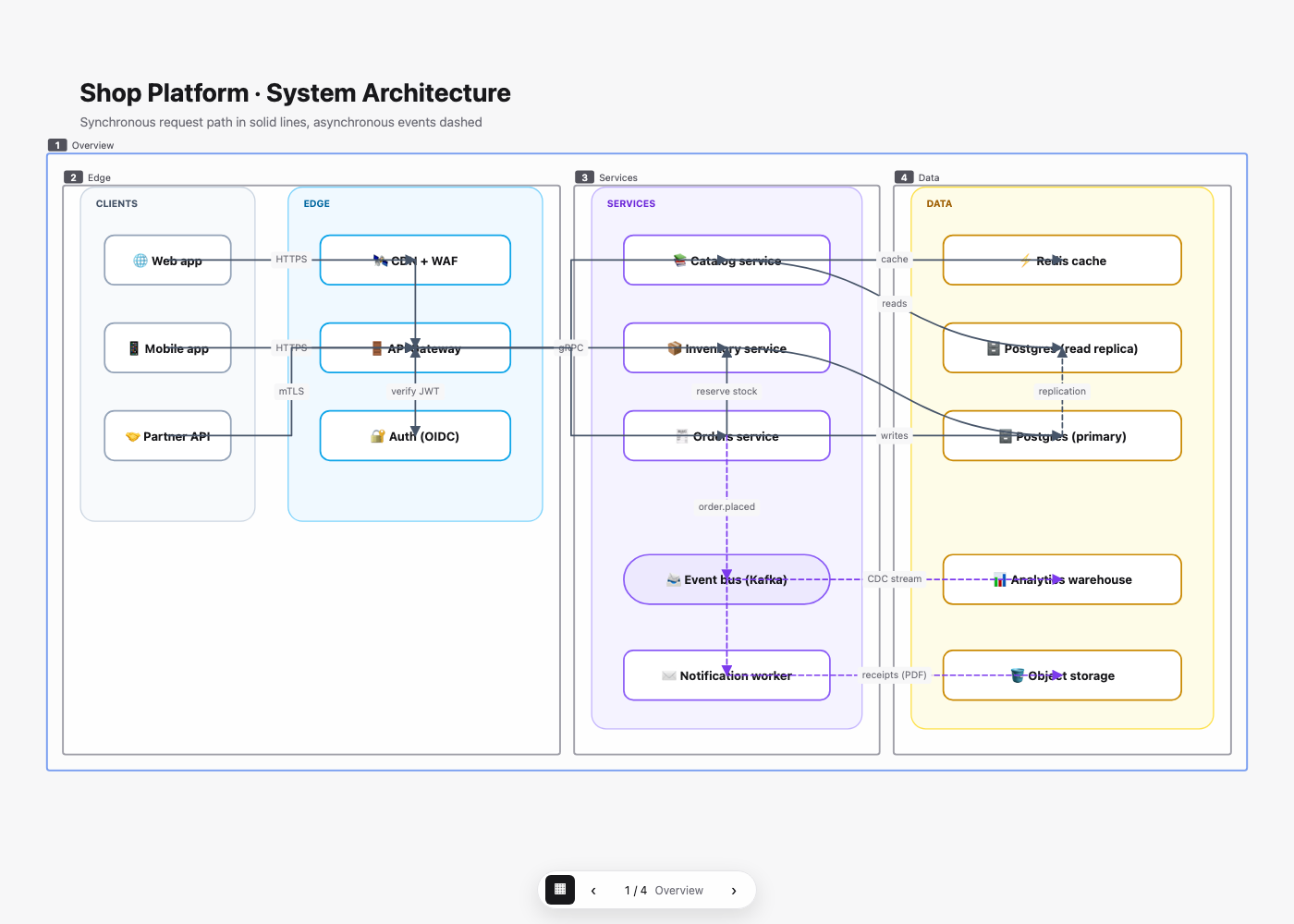
A cloud architecture diagram divided into service zones.

Trace a system.

Explore a shop platform in four zones. Solid request paths and dashed event routes keep services and their relationships readable.

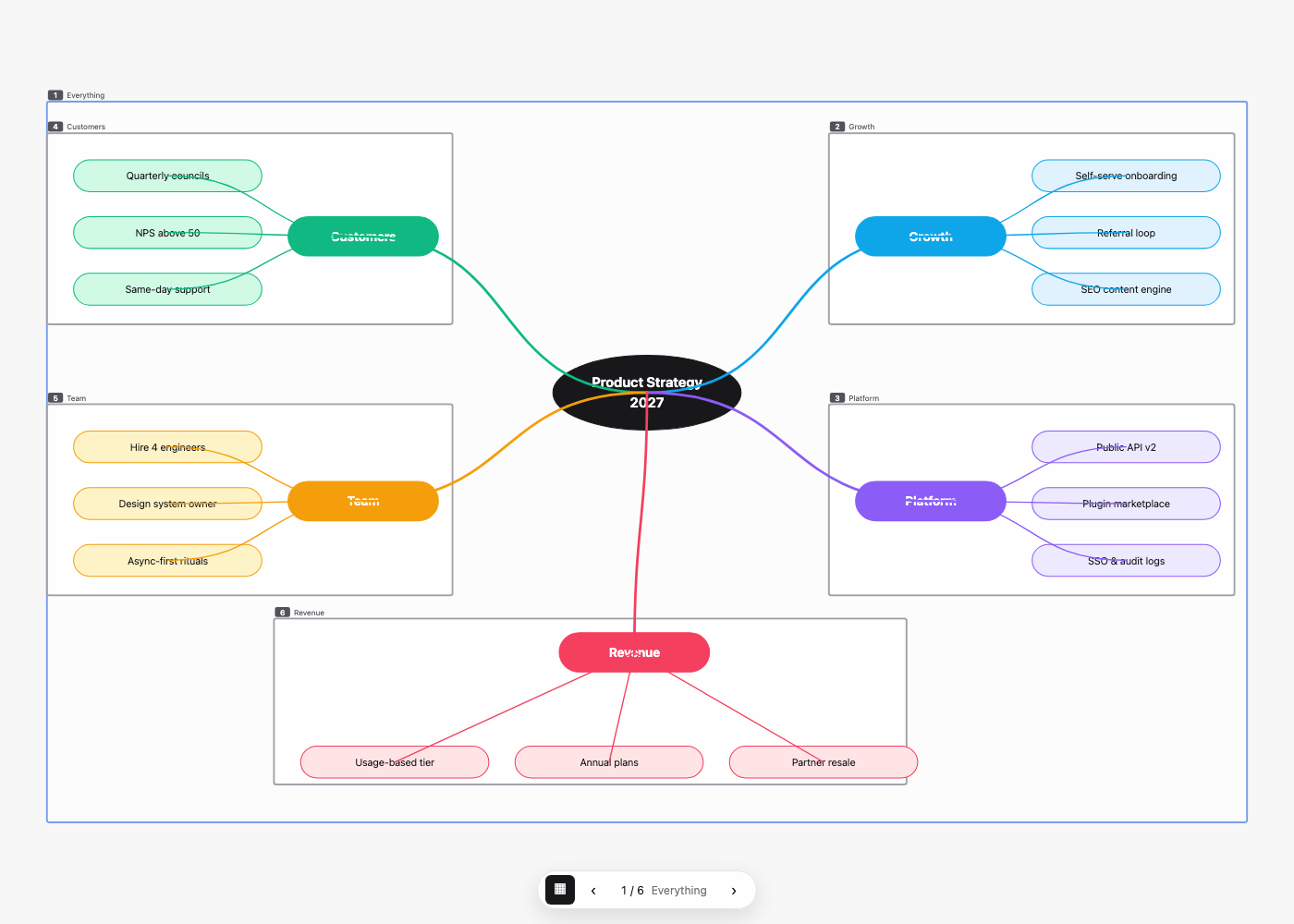
A product strategy mind map with five colored branches.

Give a strategy space.

A central idea branches into five color-coded themes. Follow curved connectors and six frames to explain the plan one area at a time.

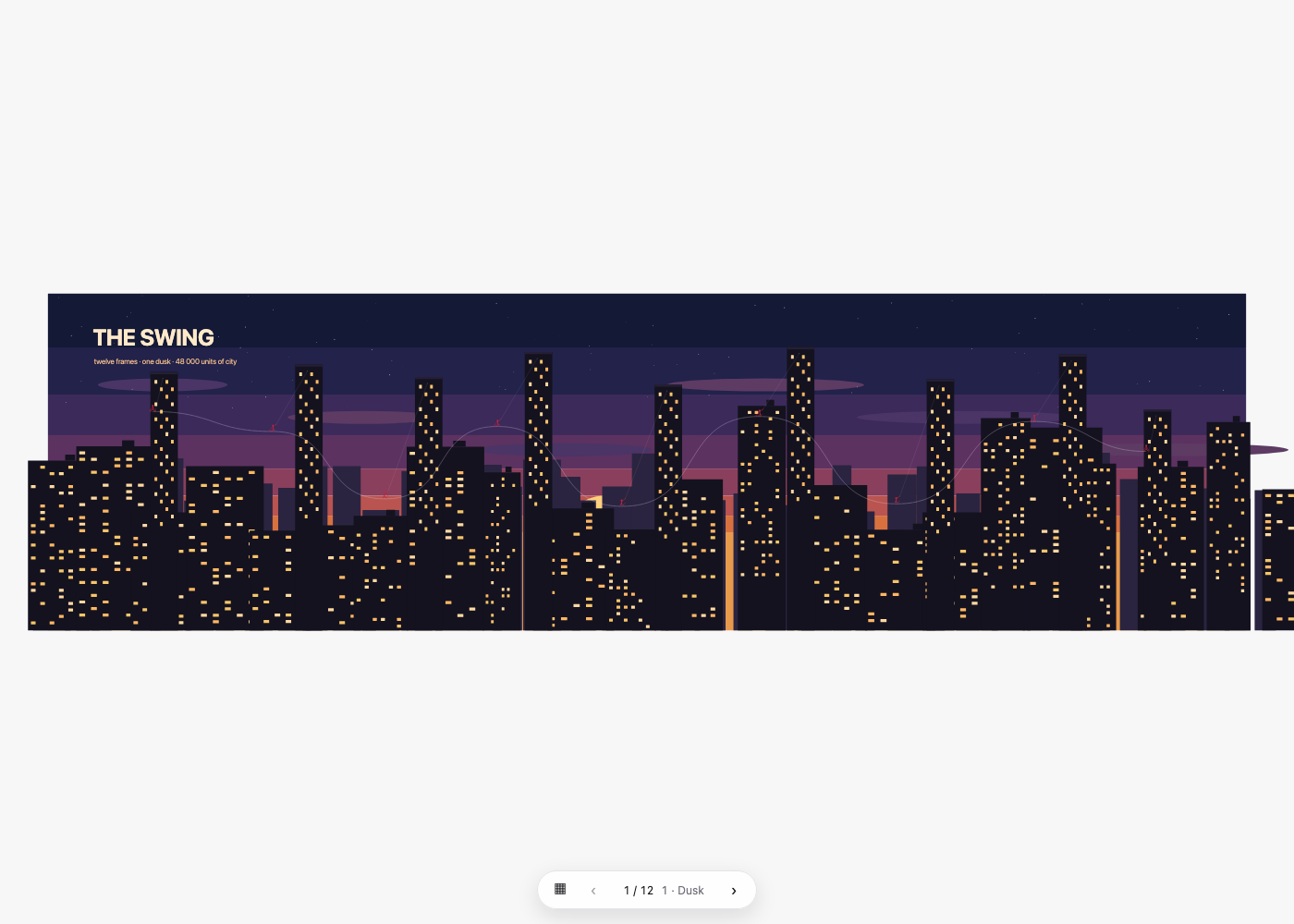
An illustrated city arranged along a sweeping presentation route.

Across the skyline.

Twelve camera stops across a wide illustrated city. Explore long flights, changes in scale, and the rhythm of a spatial story.

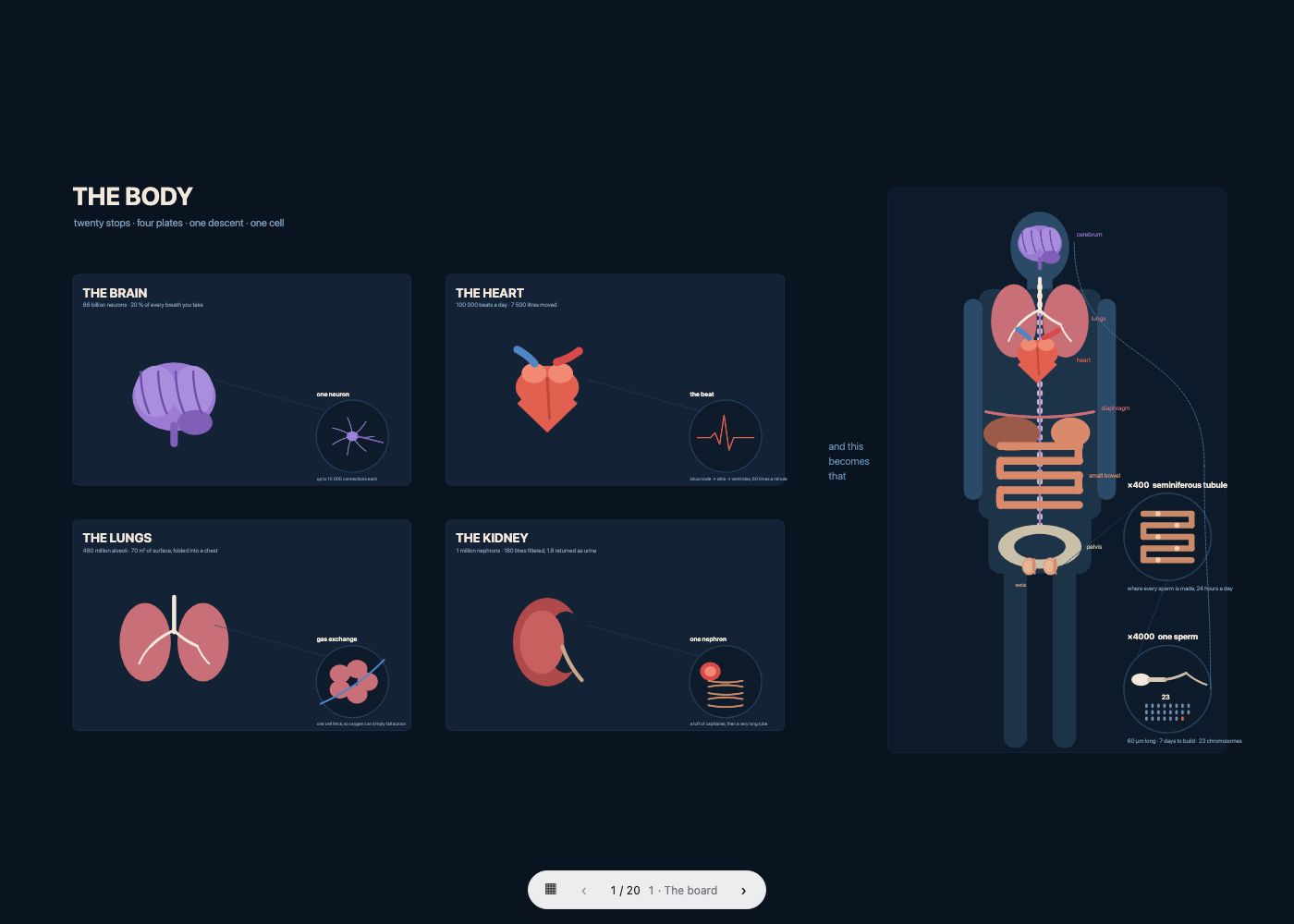
An anatomical atlas beside a full standing human figure.

From the body to a cell.

An atlas and a standing figure share one canvas. Follow twenty frames from the big picture into nested anatomical details.

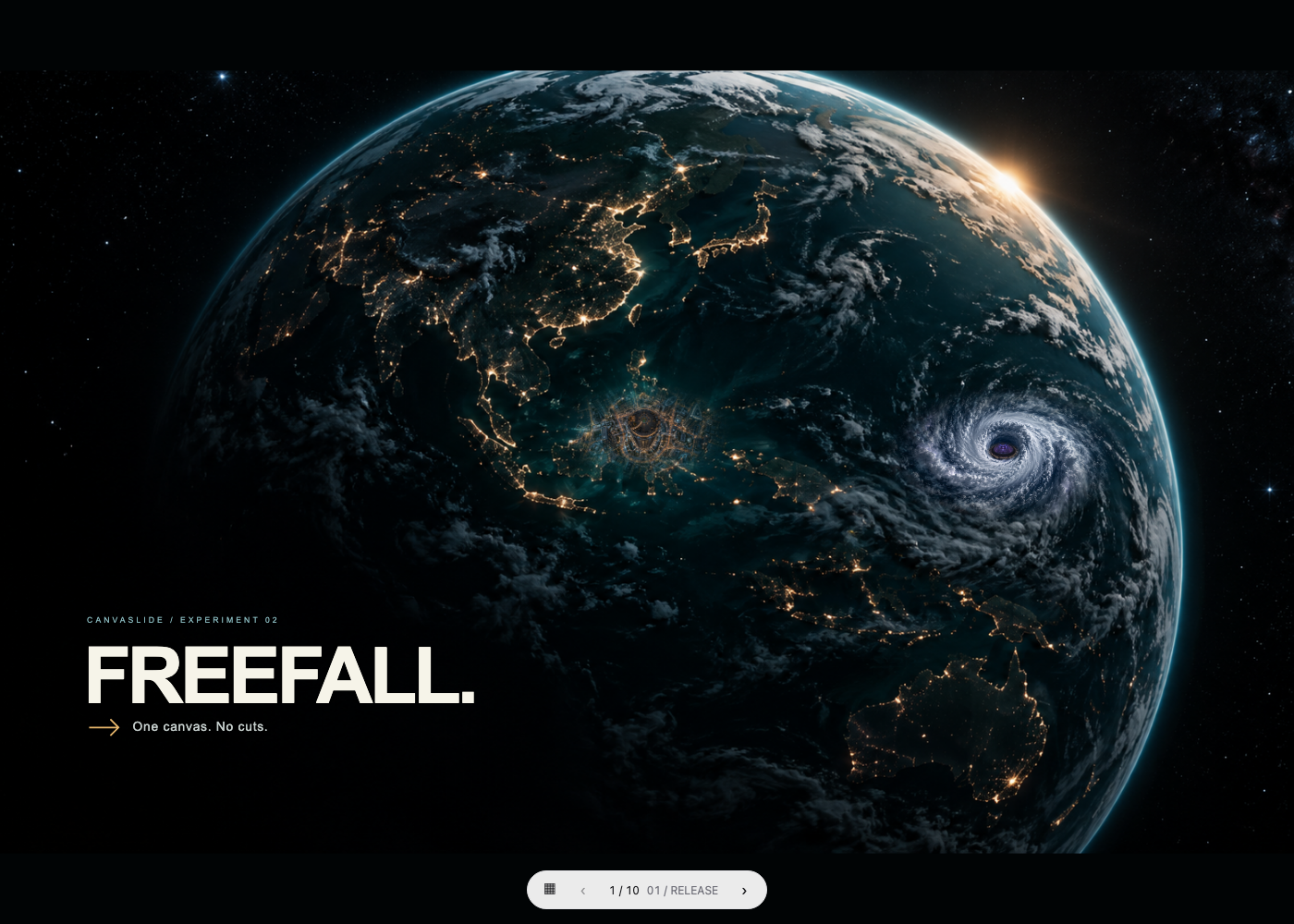
Earth seen from space with the FREEFALL title and nested details.

FREEFALL. One canvas. No cuts.

Follow ten camera stops from Earth to a city, into tiny details, then across a sea of concert lights and animated fireworks.

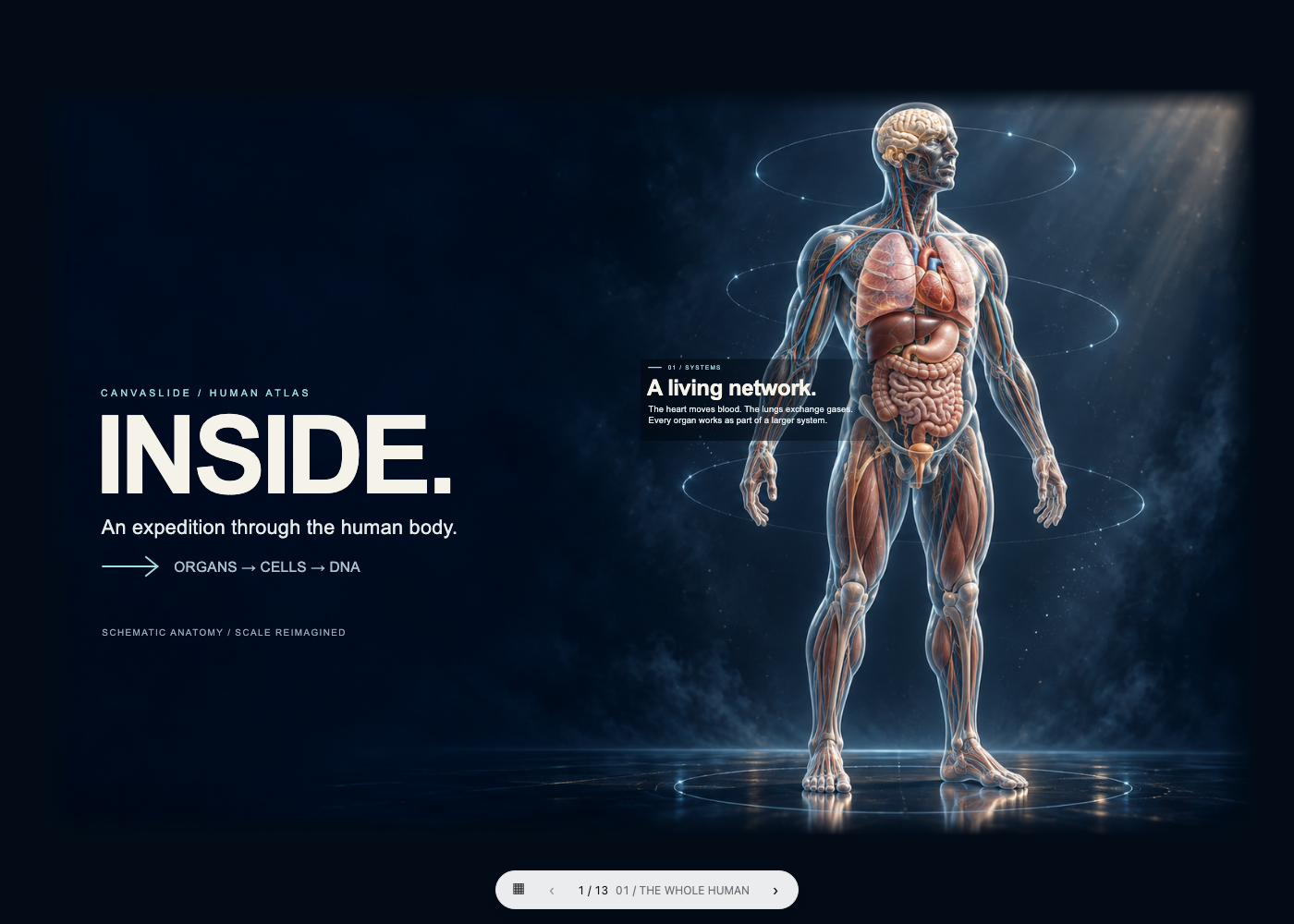
An illustrated anatomy presentation with detailed organs and embedded photographs.

Inside the human body.

Travel through thirteen frames of an illustrated anatomy presentation. Layered SVG artwork and embedded photographs reveal details as you zoom.

The Korean cover of a Claude-generated CanvaSlide introduction.

CanvaSlide · Claude

An introduction to CanvaSlide created by Claude from an AI prompt. Eight editable scenes in Korean explore the canvas, frames, camera direction, and sharing.

The Korean cover of a Codex-generated CanvaSlide introduction.

CanvaSlide · Codex

An introduction to CanvaSlide created by Codex from an AI prompt. Eight editable scenes in Korean connect the big picture with detail zooms, creation, and sharing.